
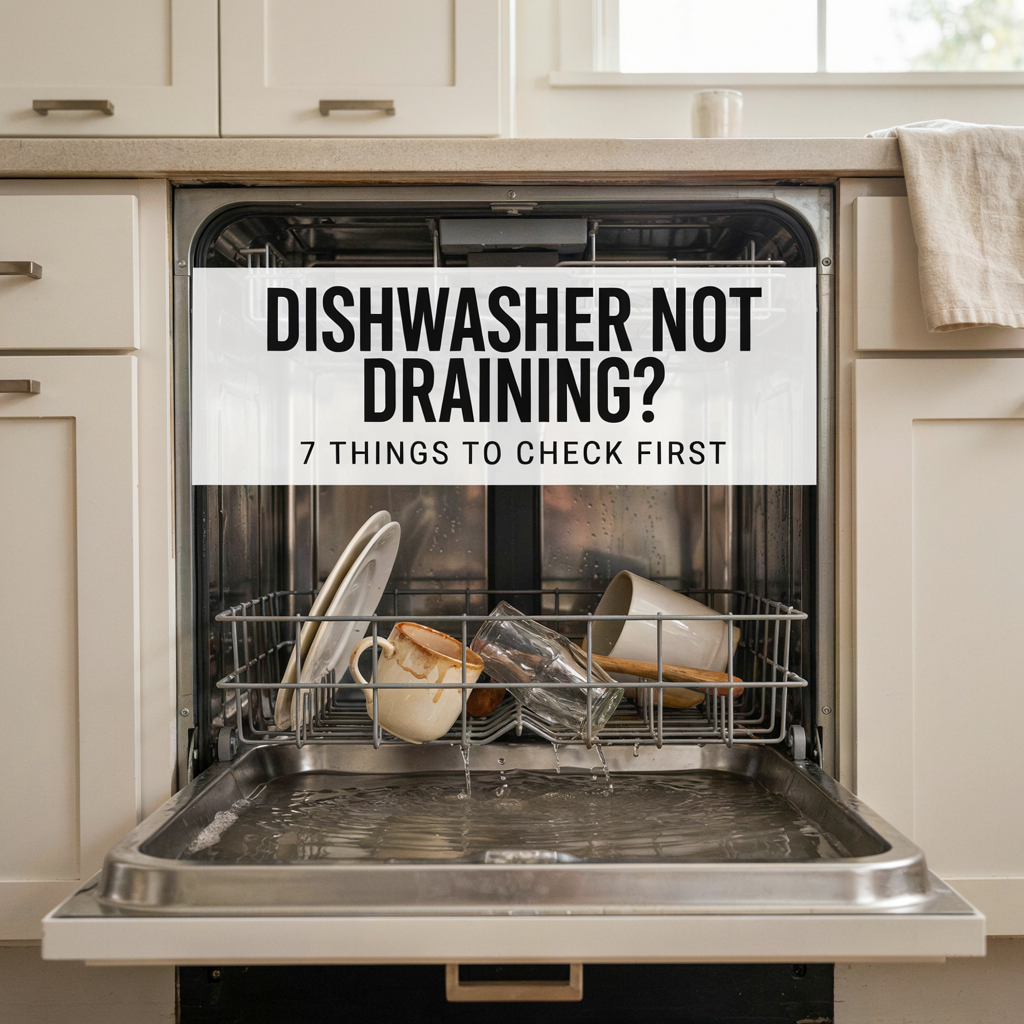
You open the dishwasher expecting clean dishes and instead find a depressing little pool of dirty water sitting in the bottom.
Before assuming the drain pump has died or reaching for the phone there are several much simpler things worth checking.
A dishwasher not draining can be caused by something as basic as a clogged filter, kinked drain hose or blocked sink connection. The trick is checking them in the right order.
Here’s where to start.
Safety first: Switch the dishwasher off and disconnect it from power before removing filters, reaching into the sump or checking accessible components. Broken glass can hide beneath standing water, so wear gloves and never reach blindly into the bottom of the machine.
Dishwasher Not Draining: Quick Troubleshooting Guide
| What you’re seeing | What to check first |
|---|---|
| Water sitting in the bottom | Filter and sump area |
| Dishwasher draining very slowly | Filter and drain hose |
| Water returns after draining | Drain hose routing or sink connection |
| New dishwasher won’t drain | Drain hose and disposal knockout plug |
| Humming but water isn’t moving | Possible obstruction around drain pump |
| Grinding noise while draining | Foreign object or debris |
| No draining + error code | Model manual/error-code guide |
Don’t start by pulling the dishwasher apart.
Start with the filter and work your way outwards through the drainage path.
First: Is That Water Actually a Problem?
Before troubleshooting anything, look at where the water is sitting and how much there is.
A small amount of water down inside the filter area isn’t necessarily a sign that the dishwasher has stopped draining.
For example, Whirlpool explains that some water remaining in the filter area can be normal, because it helps prevent seals in that area from drying out.
That’s very different from opening the dishwasher after a completed cycle and discovering a significant amount of dirty water covering the bottom of the tub.
If you’ve got obvious standing water that hasn’t drained away, start with the filter.
1. Check the Dishwasher Filter
This is the easiest place to start and one of the most likely places to find a restriction.
Food scraps, labels, grease and other debris can accumulate around the filter and interfere with the path water takes towards the drain.
Remove the lower rack and locate the filter at the bottom of the dishwasher.
The exact removal method varies between brands and models, so check your owner’s manual rather than forcing anything that doesn’t want to move.
Once you’ve removed it:
- Check for visible food and debris.
- Rinse the filter under running water.
- Use a soft brush for stubborn residue.
- Check the accessible area beneath and around the filter.
- Reinstall the filter correctly before running the dishwasher again.
Bosch recommends checking the filter and pump area when troubleshooting a dishwasher that won’t drain, because food, dirt and even fragments of glass can create a blockage.
If you own a Bosch and the drainage problem keeps happening, we’ve also got a broader guide to common Bosch dishwasher problems.
Too much water to reach the filter?
Remove some of the standing water first with a cup or small container, then soak up what’s left with a sponge.
And be careful.
Cloudy dishwasher water has an impressive ability to hide the one piece of broken glass you really don’t want to find with your fingers.
2. Check Around the Drain and Sump
Once the filter is removed, inspect the accessible area beneath and around it.
You’re looking for obvious objects that shouldn’t be there food debris, pieces of labels, packaging or fragments of broken dishes.
Some manufacturers provide instructions for going slightly further. Bosch, for example, provides model-appropriate guidance for checking its pump area for foreign objects.
But this is where we start drawing a line.
Don’t assume a YouTube video showing somebody else’s dishwasher applies to yours.
If reaching the drain pump means dismantling panels, disconnecting wiring or accessing electrical components, stop and find the service information for your specific model.
3. Check the Dishwasher Drain Hose
Filter clean?
Follow the drainage path towards the sink.
The drain hose can become:
- Kinked.
- Crushed.
- Pinched behind the dishwasher.
- Blocked with debris.
- Incorrectly routed.
Start with the portion you can see underneath the sink.
Whirlpool’s dishwasher drainage guide also recommends checking the filter, sump, drain hose and sink connection before assuming the dishwasher has a more serious fault.
Pay particular attention if the dishwasher has recently been installed, removed or pushed back into position.
A hose trapped behind the appliance can create a drainage problem even when the dishwasher itself is perfectly healthy.
4. Check the Sink or Garbage Disposal Connection
Sometimes the dishwasher isn’t actually the problem.
If its drain hose connects to the sink plumbing or garbage disposal, a blockage at that connection can stop wastewater leaving the dishwasher properly.
There’s also one wonderfully specific problem worth knowing about.
New garbage disposal? Check the knockout plug
Some new garbage disposals have a knockout plug sealing the dishwasher inlet.
If a dishwasher is connected to that inlet, the plug needs to be removed during installation.
If it wasn’t, your dishwasher can try its little heart out —
but its drain hose effectively leads to a wall.
Both Maytag and Whirlpool identify an unremoved disposal knockout plug as something to check when a dishwasher isn’t draining after installation.
This is particularly worth investigating when:
Dishwasher used to drain → garbage disposal was replaced → dishwasher suddenly doesn’t drain.
That’s a much stronger clue than randomly replacing the dishwasher pump.
5. Check the Drain Hose Routing or Air Gap
The dishwasher doesn’t just need a clear drain hose.
The hose also needs to be installed correctly.
Depending on the installation, the dishwasher may use a high loop or an air gap to help prevent dirty wastewater from flowing backwards into the machine.
Whirlpool’s installation troubleshooting specifically recommends checking the drain line for kinks, the air gap where one is fitted, and correct drain-hose routing.
So if your dishwasher appears to drain normally but you later discover dirty water sitting in it again, backflow is one possibility.
Compare the installation underneath your sink with the instructions for your particular dishwasher rather than assuming every setup should look the same.
6. Listen to What the Dishwasher Is Doing
Sometimes the sound gives you a clue about where to look next.
Dishwasher hums but doesn’t drain
If you hear the machine trying to drain but the water isn’t moving, there may be an obstruction somewhere in the drainage path or pump area.
Don’t immediately assume the pump needs replacing.
Work through the accessible filter, sump, hose and sink-connection checks first.
Dishwasher makes a grinding noise
Stop the cycle.
A hard foreign object potentially including broken glass may have reached the pump area.
There’s no drain sound at all
That’s different.
If the dishwasher reaches the point where it should be draining but there’s no apparent pump activity, the problem could involve the pump, controls, wiring or another component.
That’s where generic internet troubleshooting becomes considerably less useful.
Check the manual and any displayed error code before replacing parts.
7. Check for a Dishwasher Error Code
If the dishwasher is displaying an error code, write down the exact code before clearing it.
Then look it up in the manufacturer’s documentation for your specific model.
Different manufacturers use different diagnostic systems, so an error code on one brand doesn’t necessarily mean the same thing on another.
If you have a Hisense, our recently updated Hisense dishwasher troubleshooting guide covers drainage alongside six other common Hisense problems.
We’ve also got guides covering IKEA dishwasher problems and Midea dishwasher problems if you’re trying to narrow down a brand-specific issue.
For error codes specifically, ApplianceChat also has a Midea dishwasher error-code guide for compatible Midea models.
Brand + model number + exact error code will nearly always get you closer to the problem than simply searching “dishwasher broken.”
Dishwasher Drains Slowly but Eventually Empties
A dishwasher that eventually empties isn’t quite the same problem as one that doesn’t drain at all.
Slow drainage can point towards a partial restriction rather than a completely blocked drainage path.
Start with:
- Filter.
- Accessible sump area.
- Drain hose.
- Sink/disposal connection.
- Air gap, if fitted.
A partial blockage can still allow water through while making the drain cycle considerably slower.
If the problem repeatedly returns after you’ve cleaned the accessible areas, something farther along the drainage system may need attention.
Dishwasher Not Draining After a New Installation
If the dishwasher is brand new and has never drained properly, I’d investigate the installation before assuming a component has already failed.
Check that:
- The drain hose isn’t kinked or crushed.
- The hose is routed according to the installation instructions.
- Connections are secure.
- The disposal knockout plug has been removed where applicable.
- An air gap, if required for the installation, is fitted and clear.
Maytag’s guidance for newly installed dishwashers specifically identifies the disposal connection and drain-hose installation as areas to check when a new dishwasher won’t drain.
That’s another reason not to jump immediately to “the pump is dead.”
Can You Put Drain Cleaner in a Dishwasher?
Don’t pour ordinary chemical drain cleaner into your dishwasher.
A dishwasher contains pumps, hoses, seals and other components. It isn’t simply another household drainpipe.
Whirlpool specifically advises against using drain-opening chemicals inside the dishwasher, warning that they can damage components and create safety hazards.
If there’s a blockage you can’t safely reach, that’s the point to get further help rather than pouring harsh chemicals into the machine and hoping for the best.
When to Stop Troubleshooting
There’s a useful dividing line between checking a dishwasher and repairing a dishwasher.
Cleaning a removable filter, checking accessible debris, inspecting a visible drain hose and looking at the sink connection are reasonable first checks for many people.
Stop and seek qualified help if:
- The dishwasher repeatedly trips the circuit breaker.
- You smell burning or see damaged wiring.
- Water is leaking from underneath the appliance.
- The drain pump appears to have failed.
- Reaching the suspected blockage requires electrical disassembly.
- The same drainage problem keeps returning.
- Your model’s error-code instructions recommend service.
Don’t bypass safety devices or start probing live electrical components because somebody on the internet decided your pump probably needs replacing.
Dishwasher Troubleshooting by Brand
If the basic checks above haven’t solved the problem, the next step is to get more specific.
ApplianceChat has troubleshooting guides for:
- Hisense dishwasher problems
- Bosch dishwasher problems
- IKEA dishwasher problems
- Midea dishwasher problems
You can also browse the ApplianceChat dishwasher troubleshooting archive for more brand-specific guides and dishwasher error codes.
So, Why Is My Dishwasher Not Draining?
If there’s a significant amount of water sitting in the dishwasher after the cycle has finished, work through the simple possibilities first.
Start at the filter.
Then check the accessible drain area, drain hose and sink connection.
If the dishwasher was recently installed or the garbage disposal was replaced, pay particular attention to the installation and disposal connection.
And if those checks don’t solve it, use the brand, model number and any error code to move from generic troubleshooting to the manufacturer’s instructions for your particular machine.
Sometimes a dishwasher that won’t drain genuinely needs a repair.
But sometimes it just swallowed a bit of food, kinked its hose and decided to ruin your evening.