
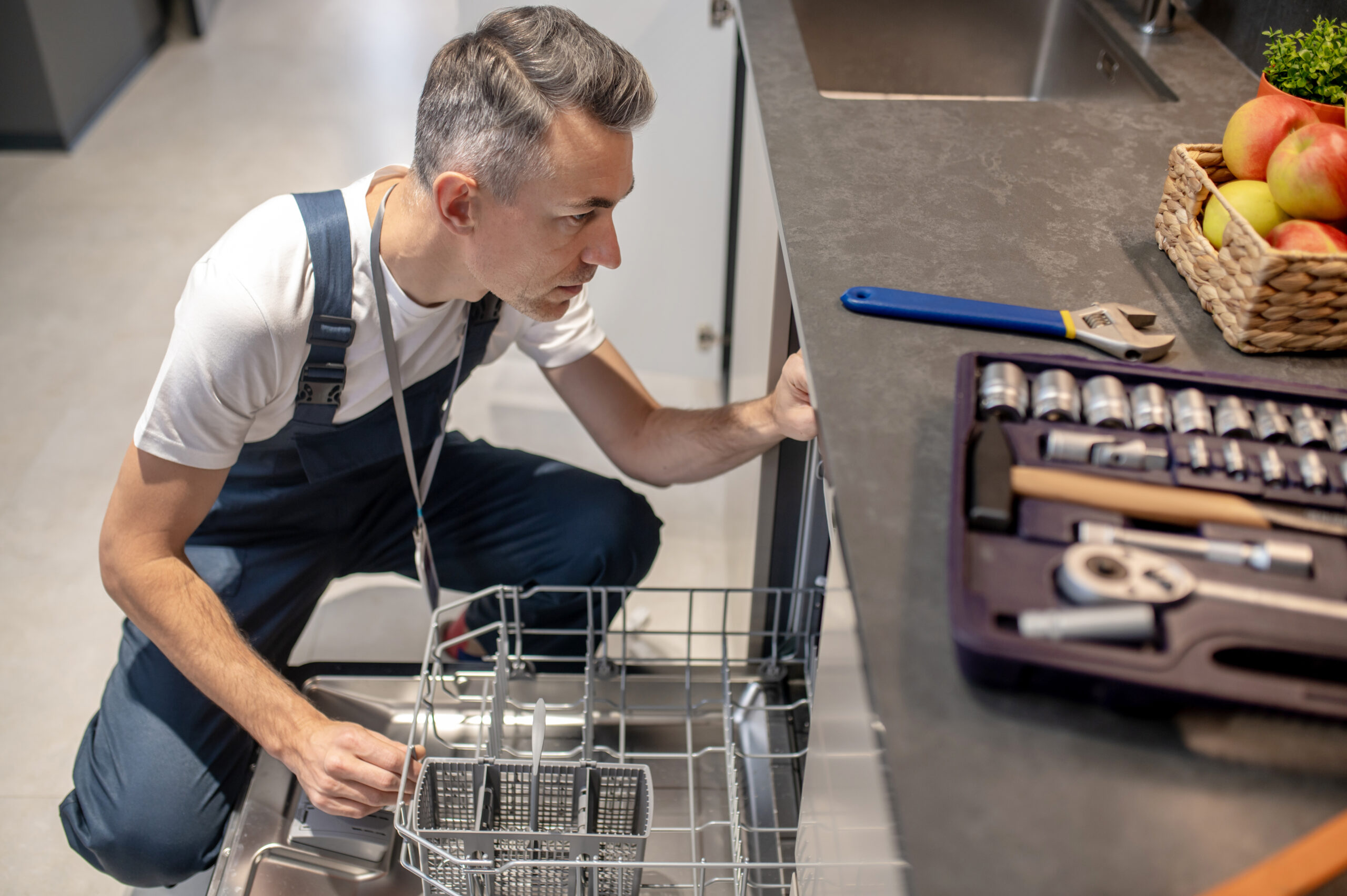
A Hisense dishwasher that suddenly stops draining, leaves dishes dirty or refuses to start doesn’t always mean there’s a major fault.
Some common dishwasher problems can be traced to relatively simple things such as a dirty filter, blocked spray arm, kinked hose or door that isn’t closing correctly. Other faults are better left to a qualified appliance technician.
The exact layout, controls and troubleshooting procedure vary between Hisense dishwasher models, so check your model’s user manual before removing parts or carrying out maintenance.
Quick Hisense Dishwasher Troubleshooting Guide
| Problem | What to check first |
|---|---|
| Dishes aren’t getting clean | Filter, spray arms, loading and detergent |
| Dishwasher isn’t draining | Filters, drain hose and drainage pump area |
| Dishwasher is leaking | Door seal, hoses, detergent and loading |
| Buttons aren’t responding | Power, controls and child/control lock |
| Dishwasher won’t start | Power, door closure and selected program |
| Dishwasher stops mid-cycle | Door, power supply and error messages |
| Dishwasher is making unusual noises | Spray arms, loose items and pump area |
Connect with an Appliance Repair Technician
Click here to use the chatbox to speak with one of our friendly technicians
No in-home service calls. No appointments.
1. Hisense Dishwasher Not Cleaning Properly
If your Hisense dishwasher finishes its cycle but the dishes are still dirty, start with the parts responsible for water circulation.
Check the spray arms
Make sure dishes or utensils aren’t preventing the spray arms from rotating.
With the dishwasher switched off, check that the arms can move freely and inspect the spray holes for food or mineral buildup.
If your model allows the spray arms to be removed for cleaning, follow the instructions in its manual.
Clean the filters
Dirty filters can reduce cleaning performance and allow food particles to remain in the dishwasher.
Hisense’s instructions for its HSGP15 series, for example, specify regular cleaning of the coarse and fine filters. The precise filter arrangement can differ between models, so use the instructions for your dishwasher.
Check how the dishwasher is loaded
Avoid packing dishes so tightly that water can’t reach their surfaces.
Large plates, chopping boards and utensils can also obstruct the spray arms.
Before starting a cycle, give the spray arms a gentle turn to make sure nothing is in their way.
Check detergent and rinse aid
Use dishwasher detergent in the amount recommended for your machine and local water conditions.
If glasses or dishes are consistently coming out spotted or cloudy, check the rinse-aid level and your dishwasher’s settings. Some Hisense models have a rinse-aid indicator on the display.
If cleaning performance remains poor after the filters and spray arms have been cleaned, there may be a water-inlet, circulation or other internal fault requiring diagnosis.
2. Hisense Dishwasher Not Draining
Standing water after a cycle is one of the most common dishwasher complaints.
Start with the accessible drainage components before assuming the pump has failed.
Clean the filters
Switch the dishwasher off and follow your model’s instructions for removing and cleaning its filters.
Food debris can restrict water flow through the drainage system.
Check the drain hose
Look for obvious kinks or crushing in the drain hose behind the dishwasher.
If the dishwasher connects to the plumbing beneath the sink, also check whether the sink itself is draining normally.
Check the drainage pump area
Some Hisense manuals provide instructions for safely checking the drainage pump area for debris after the machine has been switched off and unplugged.
For example, Hisense documentation describes removing the filters and checking the pump wheel for foreign objects. It also specifically says to refit the drainage-pump stop afterward.
Don’t assume those instructions apply to every Hisense dishwasher. Check the manual for your exact model first.
If the basic Hisense checks haven’t solved it, work through our full guide to troubleshooting a dishwasher that isn’t draining for the filter, drain hose, sink connection and installation checks.
If the dishwasher still won’t drain, or accessing the fault would require dismantling the appliance, contact Hisense or a qualified appliance technician.
3. Hisense Dishwasher Leaking
If you find water around your dishwasher, stop the cycle and determine where the water appears to be coming from.
Check the door and seal
Inspect the door seal for:
- food or debris preventing a good seal
- splits or deterioration
- sections that have moved out of position
Also make sure nothing in the racks is preventing the door from closing properly.
Check the loading
Poor loading can sometimes direct water where it shouldn’t go. Make sure tall utensils and large dishes aren’t interfering with the spray arms.
Check visible hose connections
Look for obvious moisture around accessible inlet and drain connections.
If you’ve recently disconnected an inlet hose, Hisense documentation advises ensuring its gasket is correctly positioned and checking that the connection is watertight after reconnection.
If water is leaking from underneath the appliance or you can’t identify the source, turn the dishwasher off and arrange professional service.
Some current Hisense dishwashers include anti-flood systems that can shut off the water supply when a leak is detected, but features vary by model.
Connect with an Appliance Repair Technician
Click here to use the chatbox to speak with one of our friendly technicians
No in-home service calls. No appointments.
4. Hisense Dishwasher Buttons Not Working
Unresponsive controls don’t necessarily mean the control board has failed.
Start with the basics.
Make sure the dishwasher has power and check whether a control or child lock has been activated. The exact method for unlocking the controls varies between models, so refer to your manual rather than trying random button combinations.
If the display works but particular buttons consistently don’t respond, the control panel may require service.
If the entire dishwasher appears dead, check the power supply before assuming there’s an appliance fault.
5. Hisense Dishwasher Won’t Start
If your Hisense dishwasher powers on but won’t begin a wash cycle, check:
The door: Make sure it’s fully closed and nothing is obstructing the latch.
The selected program: Confirm that a wash program has actually been selected and that a delayed-start function hasn’t been set accidentally.
Control lock: Check the display for a lock indicator.
Power: If the dishwasher has no display or lights at all, check the outlet and your home’s circuit breaker.
Don’t dismantle the door or electrical controls to test switches or components unless you’re appropriately qualified.
If the dishwasher has power, the door closes correctly and it still won’t start, check the manual for any displayed error code before arranging service.
6. Hisense Dishwasher Stops Mid-Cycle
A dishwasher stopping partway through a program can have several causes.
First check whether:
- the door has opened or isn’t latching correctly
- power was interrupted
- an error message or fault code is displayed
- the water supply has been interrupted
Some newer Hisense models include Power-off Memory, which allows the dishwasher to resume its washing process following a power interruption. This isn’t necessarily available on every model.
If your dishwasher repeatedly stops at approximately the same point in every cycle, record any error code and contact Hisense support or a qualified technician.
7. Hisense Dishwasher Making Unusual Noises
Not every dishwasher noise indicates a fault. Water circulating and draining naturally creates sound during operation.
A repetitive knocking or clicking can occur when a spray arm is striking a dish or utensil. Stop the machine and check the loading.
A grinding or unusually harsh noise can indicate that a foreign object has reached the filter or pump area.
Switch the dishwasher off before inspecting accessible filters and follow your model’s manual for any further checks.
Broken glass can be particularly hazardous, so take care when checking the filter or pump area.
If a loud or unusual noise persists after checking the loading, spray arms and accessible filters, arrange professional diagnosis.
When to Stop Troubleshooting
Basic maintenance such as cleaning filters, checking loading and inspecting accessible hoses is one thing. Dismantling electrical components is another.
Stop troubleshooting and seek professional help if:
- the dishwasher trips the circuit breaker repeatedly
- you smell burning or see signs of electrical damage
- water is leaking from underneath the appliance
- the appliance needs to be dismantled for diagnosis
- an error continues after the checks recommended in the manual
- you’re unsure whether a procedure is safe
Find the Manual for Your Hisense Dishwasher
Troubleshooting steps can differ between models.
The best next step for model-specific error codes, filter removal, control settings and maintenance procedures is to locate your exact dishwasher model through the Hisense Product & Support Centre. Hisense Australia also provides customer support if the problem can’t be resolved through the manual.
Hisense Australia Product & Support Centre
Final Thoughts
A Hisense dishwasher problem doesn’t automatically mean an expensive repair.
Start with the simple things: filters, spray arms, loading, hoses, power and the door. These checks can rule out many straightforward causes without dismantling the appliance.
If those don’t solve the problem, use the manual for your exact model and take note of any error code before contacting Hisense or a qualified appliance technician.